
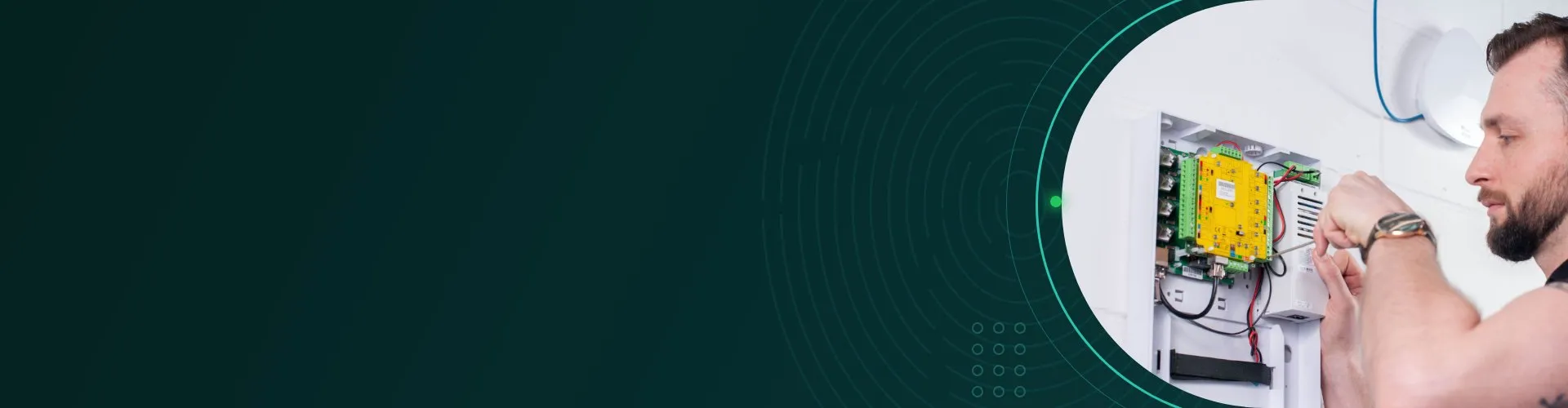
Access Control Repair & Installation in Dhaka
Door access not working, fingerprint not accepted or wrong attendance time? We repair and set up ZKTeco and other access control systems in Dhaka.
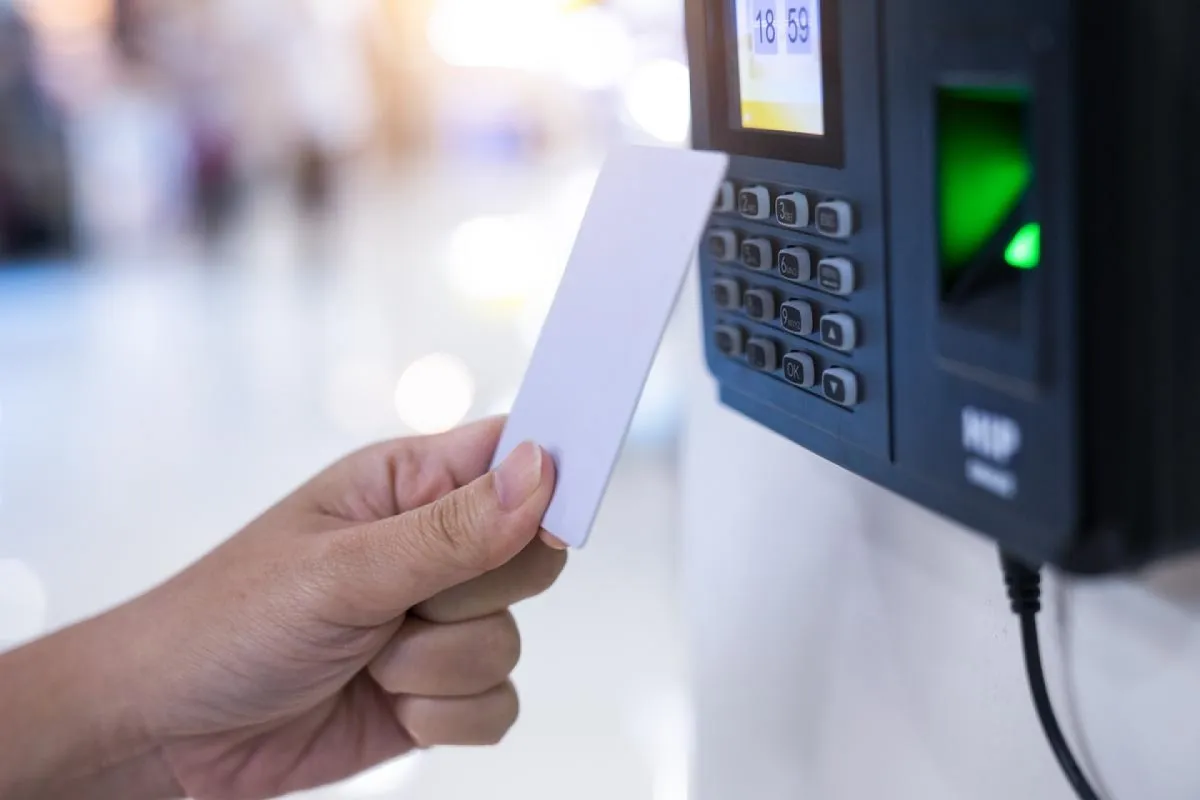
What we fix
- Fingerprint or face not recognized
- Card (RFID) reader not working
- Magnetic lock not holding the door
- Exit button and door release problems
- Device not turning on / power supply faults
- Wrong time on the attendance report
- Device not connecting to attendance software
- Adding, removing users and admin reset
- New door access setup
When door access stops working, the office admin hears about it first, usually at 9 in the morning with a line of staff at the door. This page is for that person: what to check yourself in two minutes, what's normal, and when it's time to call us.
Quick checks before you call
| What's happening | Check this first | Call us if |
|---|---|---|
| One person's fingerprint isn't accepted | Wipe the sensor with a soft, dry cloth. Dry the finger and place it flat. Try another finger that person enrolled. | It still fails after re-enrolling the finger. |
| Nobody's fingerprint is accepted | Clean the sensor and check the screen is on. | It still fails. When many people fail together, the problem is usually the sensor, settings or power, not the fingers. |
| Cards don't work | Try a second card that worked before. | No card works at all. |
| The device is completely off | Check the power socket and the adapter plug. | The socket has power but the device stays off. |
| The door doesn't stay locked | Close the door fully and see that the metal plate on the door meets the magnet on the frame. Remove anything stuck between them. | The plate lines up but the door still opens with a push. |
| The exit button doesn't open the door | Press it firmly once and wait a second. | It doesn't open. Treat this as urgent, because this is how people get out. |
| Attendance shows the wrong time | Look at the date and time on the device screen. | The time is wrong or keeps going wrong after power cuts. |
What should happen when the power goes
Most office doors use a magnetic lock. It holds the door shut only while it has power. When the power goes, the door unlocks. That isn't a fault. It's designed that way so nobody gets trapped inside during a fire or an emergency.
Some offices add backup power so the door stays locked through short power cuts. That's fine, as long as people inside can still open the door to get out. If your exit door stays locked when the power fails, the exit button is broken, or there's no emergency release, get it fixed soon.
Why attendance reports go wrong
The device stamps every punch with its own clock. If the clock is wrong, the whole month's report is wrong too: late marks that weren't late, or overtime that never happened. The usual causes:
- The device clock drifted or reset after power cuts.
- Records weren't downloaded to the computer, or the software lost its connection after a new router, a new computer or a changed IP address.
- Users were deleted or entered twice, so punches go under the wrong name.
We correct the device time, reconnect it to your attendance software, and clean up the user list.
When someone leaves the company
Remove their fingerprint, face and card from the device the same day. Many offices forget, and an old employee can still open the door months later. If nobody knows the device's admin password anymore, we can help reset it once you show us the office and system are yours.
New doors and new setups
Adding access control to a new door, moving a device, or replacing an old one? We fit the reader, magnetic lock, exit button and power supply, enroll your staff, and set up the attendance software.
Brands we work on
ZKTeco is the most common in Bangladesh offices, and we work on it most. We also service Hikvision, Suprema, Virdi and Anviz devices, both standalone units and systems connected to attendance software.
Before you call
Have three things ready: the model name printed on the device, how many doors you have, and whether attendance runs on a computer. Then call +88 01310-280-374 or send them on WhatsApp to +88 01310-280-374. We come to offices, factories and shops in Dhaka. Hours: Sat–Thu: 10:00 AM – 9:00 PM · Friday closed. Shop: House #873 (2nd Floor), East Sawrapara, Mirpur, Dhaka-1216.
Access Control Servicing — FAQ
Why does the door open on its own when the power goes?
My fingerprint isn’t accepted anymore. What can I do?
The attendance report shows wrong in and out times. Why?
Our device stopped connecting to the attendance software. Can you fix it?
We forgot the admin password of the device. Can you reset it?
Do you service ZKTeco devices?
Do you install access control on new doors?
Reviews
No reviews yet. Be the first to share your experience!
Need a repair or service today?
Call us or send your device details — our engineer will get back to you quickly.