
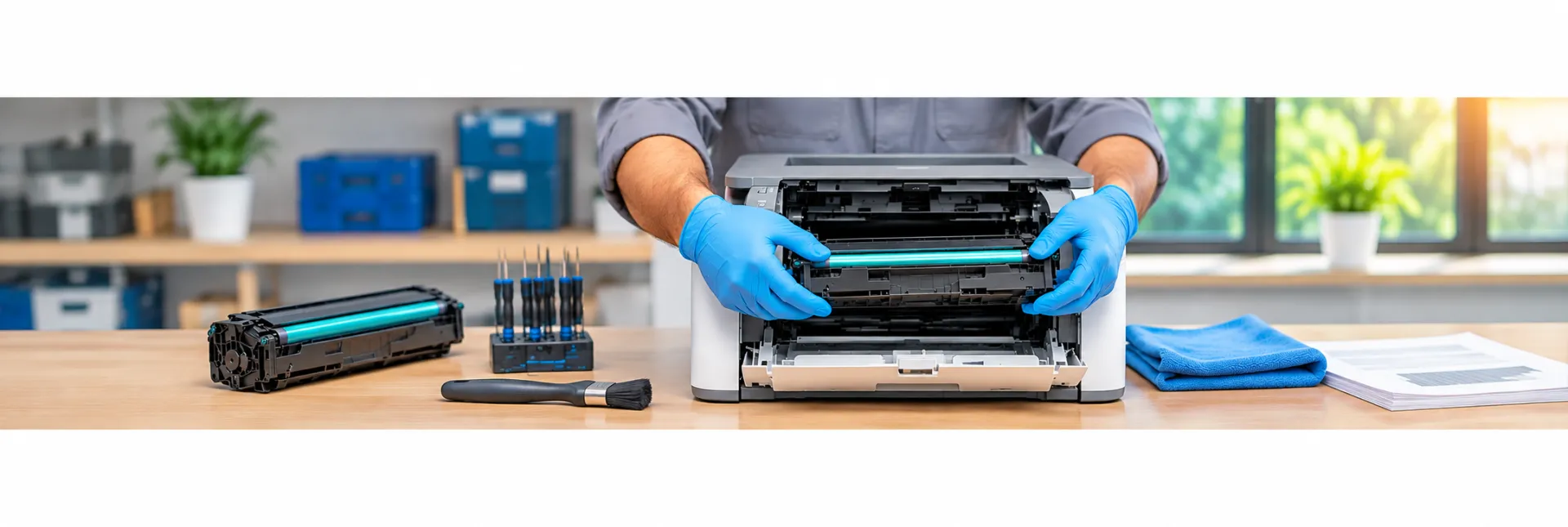
Samsung Printer Service Center in Bangladesh
Paper jam, toner chip, fuser and error repair for every Samsung ML, M, SCX and CLP laser printer in Dhaka.
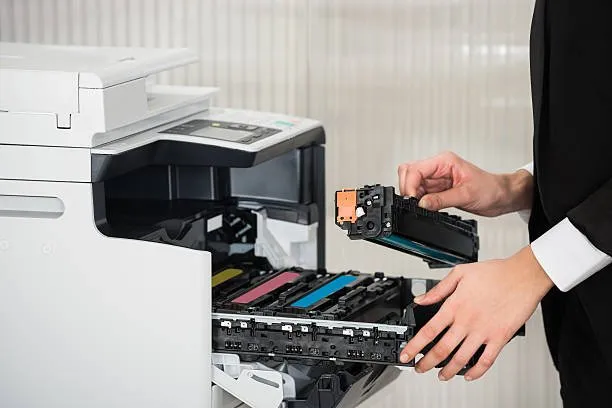
What we fix
- Paper jam & paper feeding problems
- Faded, streaky or blank prints
- Replace Toner / toner not recognised problems
- Toner chip replacement after refill
- Fuser unit repair & replacement
- Red light blinking & error codes
- Scanner and copy problems (SCX & M series)
Samsung Printer Repair and Servicing in Dhaka
Is your Samsung printer jamming paper, blinking a red light or saying "Replace Toner" right after a refill? Global IT Solution repairs Samsung laser and multifunction printers for homes, offices and businesses across Dhaka. Bring your printer to our service center in Mirpur, or ask for an engineer to visit your home or office.
We find the real cause first, tell you the cost before any work starts, and return your printer fully tested with a written service warranty. Many common faults are fixed on the same day.
Global IT Solution is an independent printer service center. We are not a Samsung or HP authorized service provider; we repair Samsung printers with genuine or quality-tested parts.
Can an Old Samsung Printer Still Be Repaired?
Yes. Samsung sold its printer business to HP in 2017 and no longer makes new printers, but thousands of Samsung laser printers are still working in homes and offices in Bangladesh. Toner cartridges, chips, rollers and fuser parts for the popular models are still available, so most Samsung printers can be repaired and kept running for years at a much lower cost than buying a new printer.
Samsung Printers We Service
We work on most Samsung home and office printers, including:
- Samsung ML laser printers: mono laser printers such as the ML-1660, ML-1665, ML-2160, ML-2165 and ML-2525 series.
- Samsung Xpress M printers: single-function and multifunction models such as the M2020, M2021, M2070, M2071, M2826 and M2876 series.
- Samsung SCX multifunction printers: print, scan and copy models such as the SCX-3401, SCX-3405, SCX-4321 and SCX-4521.
- Samsung CLP and Xpress C colour laser printers: such as the CLP-365 and C460 series.
If your model is not listed, call us with the model number. We most likely service it.
Common Samsung Printer Problems We Fix
Replace Toner or toner not recognised
Samsung toner cartridges carry a small chip that counts the pages. After a refill, the printer may still say "Replace Toner", "Toner Empty" or stop printing, because the chip still reads empty. We fit a new chip or a quality replacement cartridge so the printer prints normally again.
Paper jams and paper not feeding
Messages such as "Paper Jam in Tray", "Jam Inside" or "Jam at Exit" usually come from worn pickup rollers, a dirty friction pad or a small piece of torn paper stuck near the fuser. We clean or replace the rollers and check the full paper path.
Faded, streaky or blank prints
Most Samsung laser cartridges include the drum, so light prints, dark lines or repeated spots often mean the cartridge is worn. A dirty transfer roller or laser unit can cause the same marks. We test the print quality step by step to find the exact part.
Red light blinking and error messages
A blinking red light or messages such as "Fuser Error" or "Call for Service" can have several causes, from a loose connector to a failed part. We read the error, test the related part and explain the fix before we start.
Fuser problems
If prints smudge when you touch them, paper comes out creased, or the printer makes a grinding noise, the fuser unit may be worn. We repair or replace the fuser film, pressure roller or the full fuser unit.
Scanner, copy and Wi-Fi problems
On SCX and M multifunction models we fix scanner and copy problems, including the "Scanner Locked" message. We also set up Samsung printers on Wi-Fi or office networks and install the right drivers for Windows computers.
Our Samsung Printer Service Process
- Tell us the problem. Call, send a WhatsApp message or use the quote form with your printer model and what is wrong.
- Free diagnosis. Our engineer checks the printer at our Mirpur center, or at your place for an on-site visit.
- Clear price first. You get the exact repair cost. Work starts only after you approve it.
- Repair and full test. We repair, clean and test the printer with real print jobs.
- Warranty and invoice. You receive your printer back with an invoice and a service warranty on the repair.
On-site Service or Bring It to Our Center?
Doorstep and office service suits offices with several printers or machines that are hard to move. Our engineer visits anywhere in Dhaka at a time that suits you.
Bringing the printer to our Mirpur center is best for bigger repairs such as fuser, laser unit or main board replacement, where we need our tools and test equipment. Diagnosis at the center is free.
For offices with many printers, we also offer annual maintenance contracts (AMC) with regular servicing and priority support.
Simple Tips to Keep Your Samsung Printer Working Longer
- Use the paper weight and size recommended for your printer, and fan the stack before loading it.
- Keep paper dry; damp paper is a major cause of jams.
- When prints get light, gently shake the toner cartridge side to side before replacing it.
- Use good-quality toner; poor-quality refills can damage the drum and leave toner inside the printer.
- Keep the printer away from dust and direct sunlight, and clean the paper tray area from time to time.
If a problem keeps coming back after these steps, it is time for a service check.
Why Choose Global IT Solution for Samsung Printer Repair
- Engineers experienced with Samsung ML, Xpress, SCX and CLP printers
- Free diagnosis at our service center
- Clear price before every repair, with no hidden charges
- Genuine or quality-tested spare parts and toner
- Doorstep service across Dhaka
- Written service warranty on repairs
- Open Saturday to Thursday, 10:00 AM to 9:00 PM
Call 01322-625300 or send us a message to book your Samsung printer repair today.
Samsung Printer Service — FAQ
How much does Samsung printer repair cost in Dhaka?
Samsung does not make printers any more. Can my printer still be repaired?
Why does my Samsung printer say Replace Toner after a refill?
Do you repair Samsung printers on the same day?
Can you come to my home or office in Dhaka?
Is there a warranty on Samsung printer repair?
Reviews
No reviews yet. Be the first to share your experience!
Need a repair or service today?
Call us or send your device details — our engineer will get back to you quickly.