
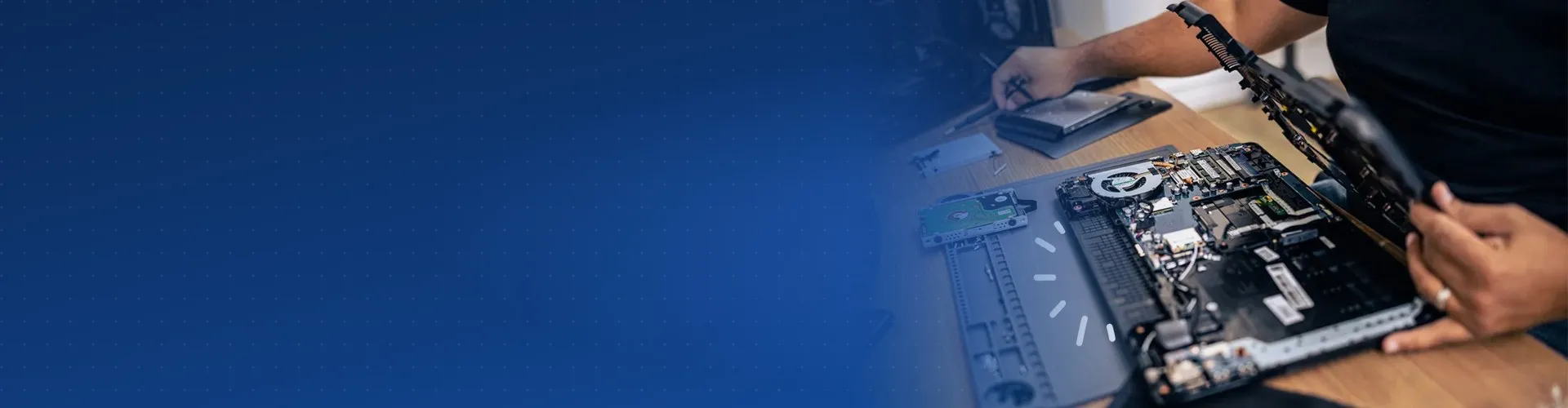
Laptop Repair Service in Dhaka
Laptop won't turn on, got wet, overheating, or the battery looks swollen? We repair HP, Dell, Lenovo, Asus and Acer laptops at your home, your office or our shop in Dhaka. You get the fault and the price before any work starts.
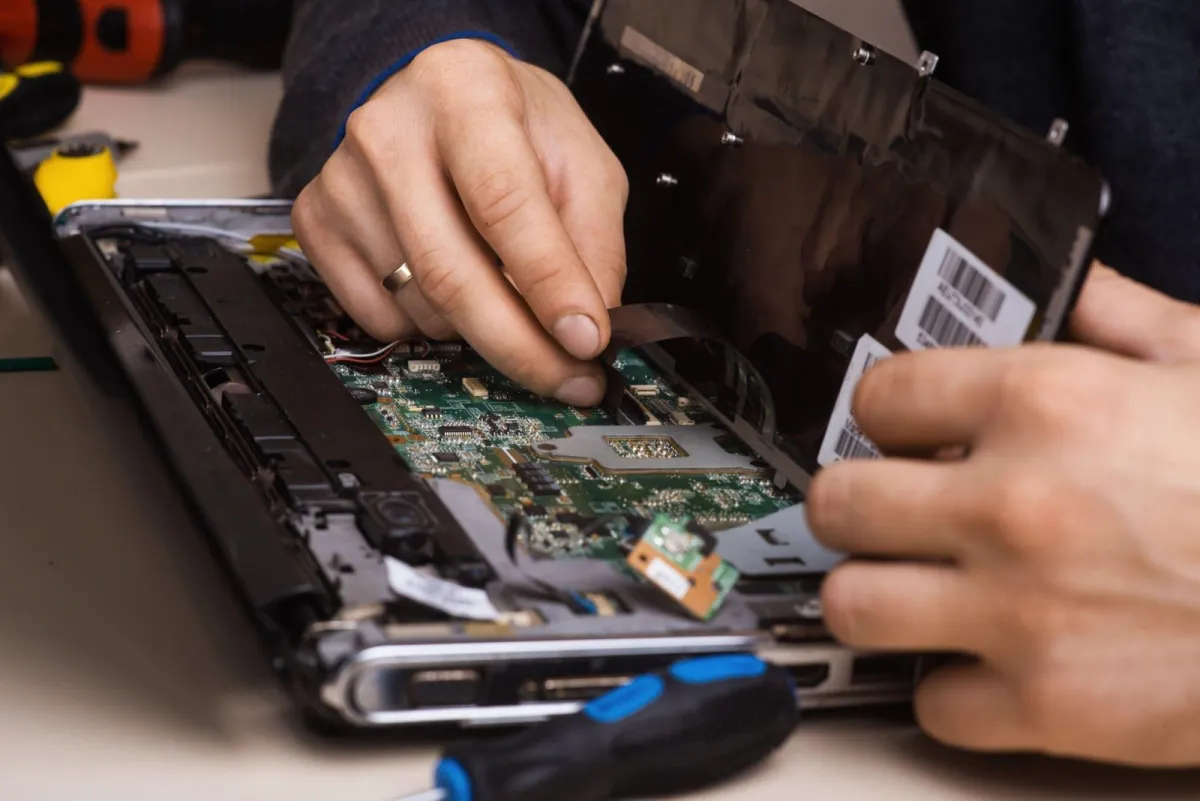
What we fix
- Water and tea spills (liquid damage)
- Swollen or weak battery
- Overheating, loud fan, sudden shutdowns
- Broken screen, lines, flickering
- Loose hinge and cracked body
- Keyboard, touchpad and charging port
- Slow laptop: SSD and RAM upgrade
- Windows, virus and no-boot problems
Most laptops that come to us aren't dead. They're blocked with dust, hurt by a spill, or held back by one worn-out part. The right fix is usually much smaller than people fear. We find it, tell you what it costs, and fix only that.
Spilled water or tea? Do this first
The first five minutes decide how much damage a spill does. If it just happened:
- Switch it off now. Hold the power button until it goes off. Don't wait to save your work.
- Unplug the charger and don't plug it back in.
- Turn it upside down, open like a tent, so the liquid runs out instead of in.
- Don't try to turn it on to "check if it still works", and don't use a hair dryer.
- Call us. Liquid keeps damaging the board slowly even when the laptop is off. The sooner the inside is cleaned, the better the chances.
Sweet drinks like tea and soft drinks leave sticky residue that's worse than water. Tell us what was spilled.
What your laptop is telling you
Listen: the fan is always loud
If the fan roars while you're only reading email, the laptop is fighting heat. In Dhaka's heat and dust, the usual cause is dust packed into the fan and vents. The laptop slows itself down to cool off, so it feels slow, and sometimes it simply shuts down. A proper cleaning with fresh thermal paste fixes most of these.
Feel: it wobbles on the table
If your laptop rocks on a flat table, the bottom bulges, or the lid won't close properly, the battery may be swollen. Stop using it and stop charging it. A swollen battery never goes back to normal. The only fix is a new one, and if you carry on, it can push up the keyboard and crack the case. Bring it in as it is, and don't press on it.
Look: the screen
- Cracked or black patches: the screen panel needs replacing.
- Lines or flicker that change when you move the lid: usually the display cable, not the screen.
- Light on, but no picture at all: could be the screen, the cable, memory or the board. We test each before naming the fault.
Hinges, body and keyboard
A stiff or loose hinge gets worse every time you open the lid, and eventually it breaks the plastic around it or pulls the screen cable. Get it fixed early, it's cheaper. Keys that stopped working, a touchpad that jumps, or a charging port that only works at an angle: these parts can usually be replaced on their own, without changing anything else.
Slow from the moment you turn it on?
If your laptop takes minutes to start and programs open slowly, an old hard disk is usually the reason. Putting in an SSD is often the best money you can spend on an older laptop. More RAM helps when you keep many tabs and programs open. We check which one your laptop needs, and whether it supports it, before suggesting anything.
Repair it or buy a new one?
We'll tell you straight. Repair makes sense when one part has failed: battery, screen, keyboard, fan, port, or a spill caught early. An upgrade makes sense when the laptop works but feels slow. A new laptop makes sense when the board has failed on a very old model, and the repair would cost close to a replacement. In that case we give you the repair price anyway, so the choice is yours.
Home, office or our shop
- At your home or office in Dhaka: for cleaning, software, upgrades and many part replacements.
- At our shop at House #873 (2nd Floor), East Sawrapara, Mirpur, Dhaka-1216: board-level work, spills and anything that needs our bench and tools.
Bring or keep the charger with the laptop. It helps us test charging problems.
Your files stay yours
Most repairs never touch your files. When a job could, like a new disk or a Windows reinstall, we ask you first and help you save what matters. If there's something private on the laptop, tell us, and we'll keep the work to what's needed.
Brands we repair
HP, Dell, Lenovo, Asus and Acer, including business models like ThinkPad and Latitude, and most other Windows laptops. Desktop computer instead? See our desktop repair service.
Call +88 01310-280-374, WhatsApp +88 01310-280-374, or book online. Tell us the brand, the model and what happened. Hours: Sat–Thu: 10:00 AM – 9:00 PM · Friday closed.
Laptop Servicing — FAQ
I spilled tea on my laptop. What should I do?
My laptop battery is swollen. Can I keep using it?
Can you repair a laptop at my home or office?
My screen has lines that change when I move the lid. Is the screen broken?
Why does my laptop shut down by itself?
Is it worth putting an SSD in an old laptop?
Will I lose my data?
Should I repair my laptop or buy a new one?
Reviews
No reviews yet. Be the first to share your experience!
Need a repair or service today?
Call us or send your device details — our engineer will get back to you quickly.