
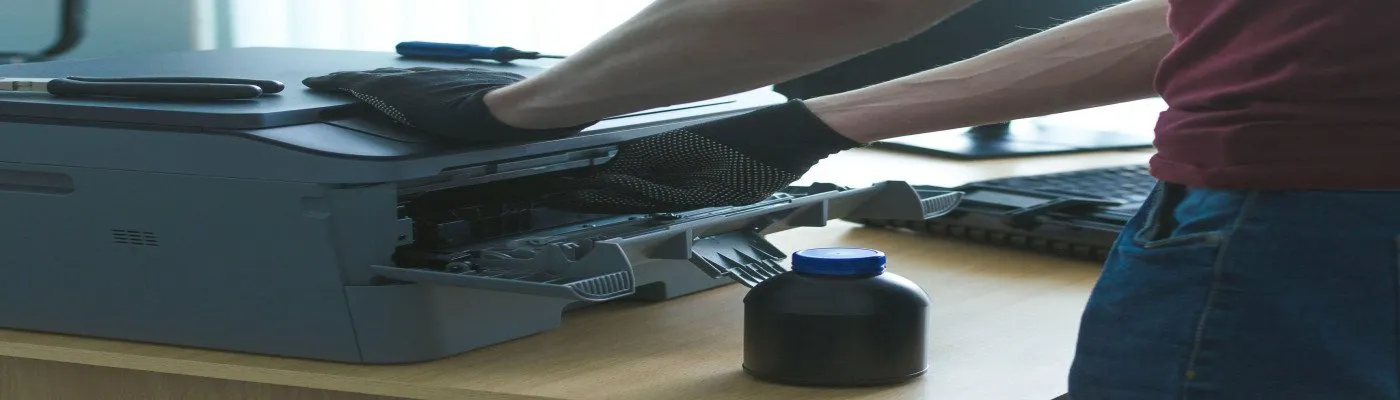
Epson Printer Service Center in Bangladesh
Red lights blinking on your Epson? Blank or striped prints? We fix Epson L-series ink tank and LQ dot matrix printers in Dhaka. Free check first, clear price, then repair.
What we fix
- Red lights blinking / ink pad end of service life
- Waste ink pad cleaning and counter reset
- Blank, faded or striped prints
- Wrong colour or mixed ink
- Ink leaking from the printer
- Carriage stuck or paper light blinking
- Scanner not working (L3110, L3210 and others)
- LQ-310 dot matrix head and ribbon problems
Is your Epson doing one of these?
- The power light and the ink or paper light blink one after the other, and nothing prints.
- The page comes out blank, or with white lines across it.
- Black prints come out blue or green.
- Ink is dripping under the printer.
All of these can be fixed. Most of the time, the printer itself is fine. Only one part needs care.
The blinking red lights: what it really means
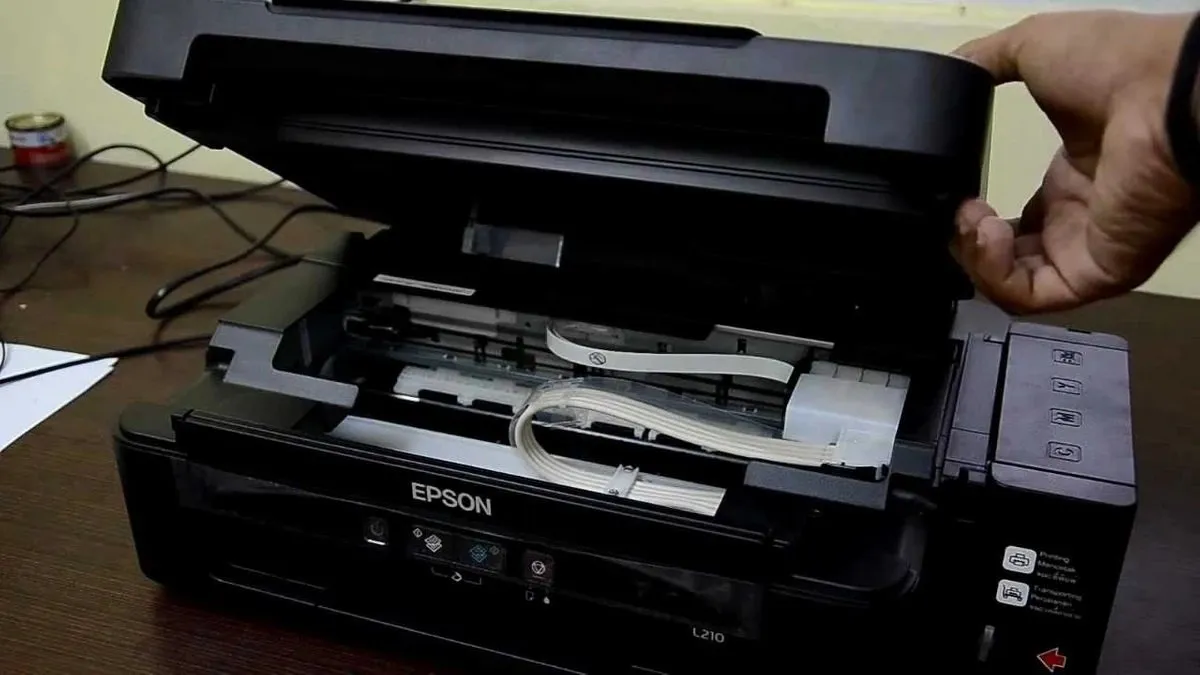
This is the most common Epson problem we see. Inside the printer there is a soft pad that catches the extra ink from every cleaning. Epson counts how much ink went into it. When the count is full, the printer locks itself and the lights start blinking. On the computer you may see "The printer's ink pads are at the end of their service life".
Many shops only reset the counter. The printer works again, but the old pad is still full of ink. A few months later the ink starts leaking from the bottom. We clean or change the pad and reset the counter, so you don't face the same problem again soon.
Epson printers we work on
EcoTank / L series: L120, L130, L3110, L3150, L3210, L3250, L4150, L5190, L805, L1800 and others.
Dot matrix: LQ-310 and other LQ models used for bills and receipts.
Not sure about your model? The name is on the front of the printer. Send us a photo.
Blank or striped prints
When an ink tank printer sits unused for a few weeks, the ink can dry in the print head. You'll see faded colours or white lines. Try one "head cleaning" from the Epson menu and print a nozzle check. If it doesn't get better after two tries, stop. Every cleaning sends more ink to the waste pad, and that brings back the red light problem.
We clean the head the right way, remove air from the ink tubes, and print test pages until every colour is clear.
Wrong ink in the wrong tank?
It happens more than you think, especially when someone else refills the printer. Don't keep printing. The mixed ink goes all the way to the head. Bring it in early. The sooner we flush it, the easier and cheaper the fix.
What you get with us
- Free check. We tell you the fault and the price before we touch anything.
- Genuine or quality-tested parts. We tell you which one, and you choose.
- We print test pages in front of you before you take the printer back.
- Service warranty on our work.
Come to our shop at House #873 (2nd Floor), East Sawrapara, Mirpur, Dhaka-1216, open Sat–Thu: 10:00 AM – 9:00 PM · Friday closed. Have several printers in an office? We can come to you in Dhaka.
We are an independent repair shop, not Epson's official service center.
Call +88 01310-280-374 or send a video of the problem on WhatsApp (+88 01310-280-374).
Epson Printer Service — FAQ
Why are the red lights on my Epson L3110 blinking?
Can’t you just reset the counter?
My Epson prints blank pages. Is the head gone?
Do you repair Epson LQ-310 dot matrix printers?
I put the wrong colour ink in. What should I do?
Are you Epson’s official service center?
Reviews
No reviews yet. Be the first to share your experience!
Need a repair or service today?
Call us or send your device details — our engineer will get back to you quickly.