

HP Photocopier Service Center in Bangladesh
HP M436, M438, M442 or M443 asking for a new imaging unit, not reading the drum, or stopped with a fuser error? We service HP A3 copiers in Dhaka and tell you the price first.
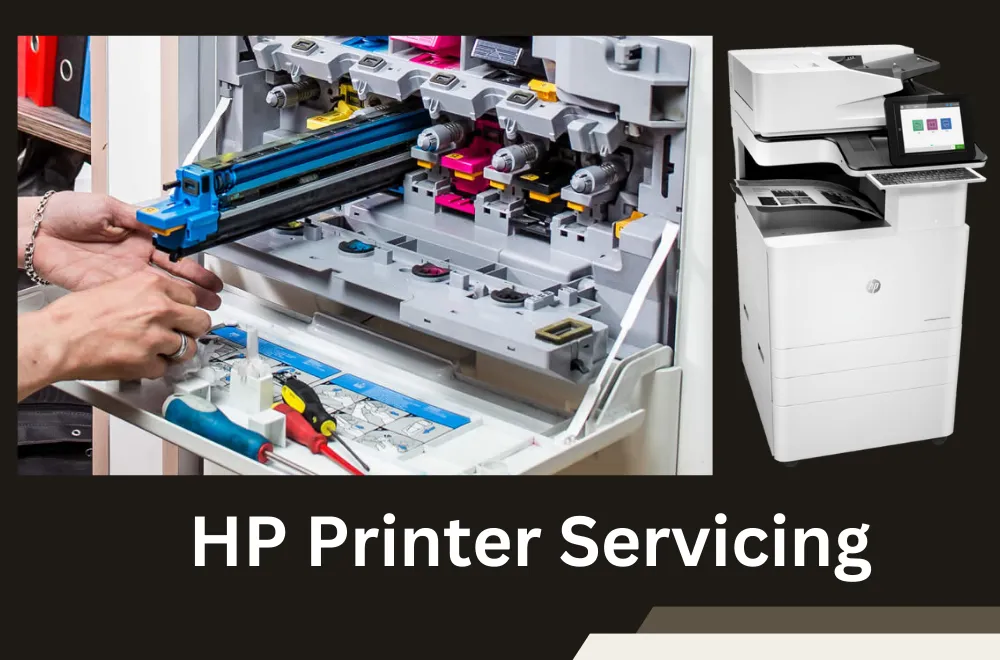
What we fix
- "Replace imaging unit" and faded copies
- Imaging unit not recognised (C3-1414)
- Fuser Unit Failure (U1-23xx)
- Paper jams and ADF problems
- Scan to PC and network setup
- HP LaserJet MFP M436, M438, M442, M443
Many offices in Dhaka call it "the HP photocopier". It's really an HP LaserJet A3 multifunction printer: the M436, M438, M442 or M443. It copies, prints and scans like a big copier, but it works a little differently inside. Knowing the difference saves you money.
How an HP A3 copier is different
| HP M436 / M438 / M442 | Big office copier (Ricoh, Toshiba…) | |
|---|---|---|
| What you replace | Two separate parts: the toner and the imaging unit (drum) | Mostly toner. Drum and developer are changed during service. |
| Who replaces it | You can change both yourself | Usually a technician |
| Most common problem | Imaging unit worn out or not recognised | Fuser and paper path wear |
On the M438, for example, the toner is HP 335A (about 7,400 pages) or 335X (about 13,700 pages), and the imaging drum is HP 57A (about 80,000 pages). So you'll change the toner many times before the drum.
"Replace imaging unit" and the Continue button
First you'll see "Prepare new imaging unit". That's an early warning. Later it says "Replace imaging unit", and the machine lets you choose Stop or Continue. Many people keep pressing Continue for months. HP's own manual warns that using it past this point can hurt print quality. Grey background, faded areas and spots usually start here. If your copies already look bad, the drum is the first thing to check.
New drum, but it says "not installed"
This one frustrates a lot of people. You put in a new imaging unit and the machine says it isn't installed, or shows an error like C3-1414. HP's manual says to take it out and put it back two or three times. If that doesn't work, it needs a technician. The cause can be the drum itself, especially a refilled or non-genuine one, or a contact or sensor inside the machine. We find out which one before you buy another drum.
Fuser Unit Failure
A message like "Fuser Unit Failure: U1-2320" means a problem with the heating part. HP says to switch off and on once. If the message comes back, the fuser needs a check. Don't keep restarting it.
Still under warranty? Keep the box
A local tip: many shops in Bangladesh ask for the original box when you claim warranty on HP machines. If yours is new, keep it. If the warranty is over, or the box is gone, we can help.
Tell us the model and the exact message: +88 01310-280-374 or WhatsApp +88 01310-280-374. Hours: Sat–Thu: 10:00 AM – 9:00 PM · Friday closed.
HP Photocopier Service — FAQ
What is the difference between the toner and the imaging unit on an HP M438?
My HP says “Replace imaging unit” but still prints. Can I continue?
I installed a new imaging unit and it shows C3-1414. What now?
What does Fuser Unit Failure U1-2320 mean?
Is this HP’s official service?
Reviews
No reviews yet. Be the first to share your experience!
Need a repair or service today?
Call us or send your device details — our engineer will get back to you quickly.