
Toshiba Photocopier Service Center in Bangladesh
Toshiba e-STUDIO showing an error, jamming paper or giving dirty copies? We repair and service Toshiba photocopiers for offices in Dhaka. Free check, clear price before any work.
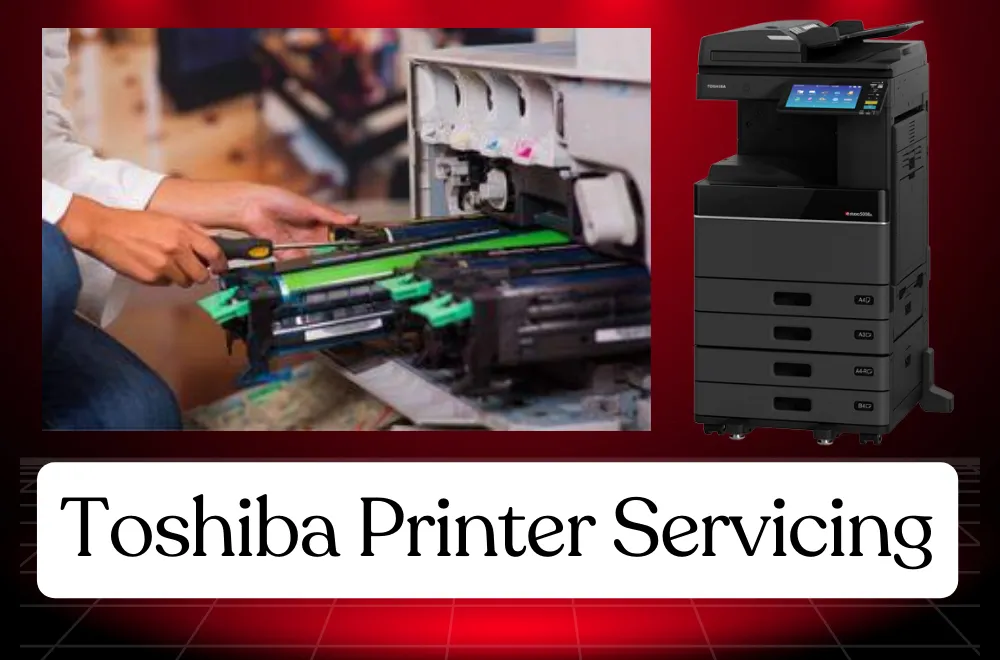
What we fix
- E030 and other paper jam codes
- C4 fuser / heater errors
- "Toner not recommended" message after a new toner
- Black line on copies from the document feeder
- Light, patchy or dirty copies
- Periodic maintenance (full service)
- Machines out of shop warranty
- Network print and scan-to-PC setup
When the office photocopier stops, work stops with it. Letters wait, files wait, and someone runs to the shop next door to copy one page. We get the call, find the real fault, tell you the price, and get the machine back to work.
Bought it with "1 year service warranty, no parts"?
Most Toshiba machines sold in Bangladesh come with a service warranty that does not cover parts. So when a drum, roller or fuser part wears out, you pay for the part anyway. And after the first year, the free visits end too. That's where most of our Toshiba customers come from: machines out of shop warranty that still have years of work left in them.
The machine stopped and shows a code
E030 is a "power-on jam". The machine found paper inside when it was switched on. Open every cover and drawer and look for a small torn piece. Pull gently, never hard.
Other E codes are also paper jams, at different places on the paper path. If the same jam keeps coming back, a roller or sensor usually needs attention.
Codes starting with C4 (C41, C44 on older models, C4 with more digits on newer ones) point to the fuser, the hot unit that fixes toner onto the paper. Don't keep switching the machine off and on. Call us.
"A toner cartridge not recommended by TOSHIBA is being used"
You may see this after putting in a cheaper compatible toner. Often the machine still prints. But if copies come out light or dirty after the change, the toner may not suit the machine. Tell us your model and the toner you used, and we'll tell you honestly whether it's the toner or the machine.
Copies don't look right
One thin black line from top to bottom, only when you use the document feeder? The narrow scanning glass on the left side is almost always dirty, often with a dot of correction fluid. Wipe it with a soft dry cloth. If the line also shows when you print from a computer, the problem is inside, at the drum or nearby.
Light, patchy or grey copies usually come from a worn drum, a dirty charger or old developer. A full service fixes most of these.
Models we see most
e-STUDIO 2006, 2306, 2506, 2507 (these use T-2507 toner), 2323AM (T-2323C toner), 2523A, 2523AD, 2823AM, 2528A and many more. Send us a photo of the model name if you're not sure.
How a visit works
- Call or WhatsApp us with the model and the code on the screen.
- We come to your office in Dhaka and check the machine.
- We tell you the fault and the price. Nothing starts without your OK.
- We fix it and make test copies from every tray before we leave.
Call +88 01310-280-374 or WhatsApp +88 01310-280-374. Hours: Sat–Thu: 10:00 AM – 9:00 PM · Friday closed. Shop: House #873 (2nd Floor), East Sawrapara, Mirpur, Dhaka-1216.
We are an independent service center, not Toshiba's official service. We use genuine or quality-tested parts and tell you which one before fitting it.
Toshiba Photocopier Service — FAQ
What does E030 mean on a Toshiba photocopier?
My Toshiba shows a C41 or C44 error. What should I do?
After a new toner, the screen says it’s not recommended by Toshiba. Is that a problem?
My machine came with “1 year service warranty, no parts”. Can you still help?
Why is there a black line on my copies?
Are you Toshiba’s official service center?
Reviews
No reviews yet. Be the first to share your experience!
Need a repair or service today?
Call us or send your device details — our engineer will get back to you quickly.