

Pantum Printer Service Center in Bangladesh
Pantum printer still showing the orange light after a toner refill, or a red light you don't understand? We find the cause and fix it.
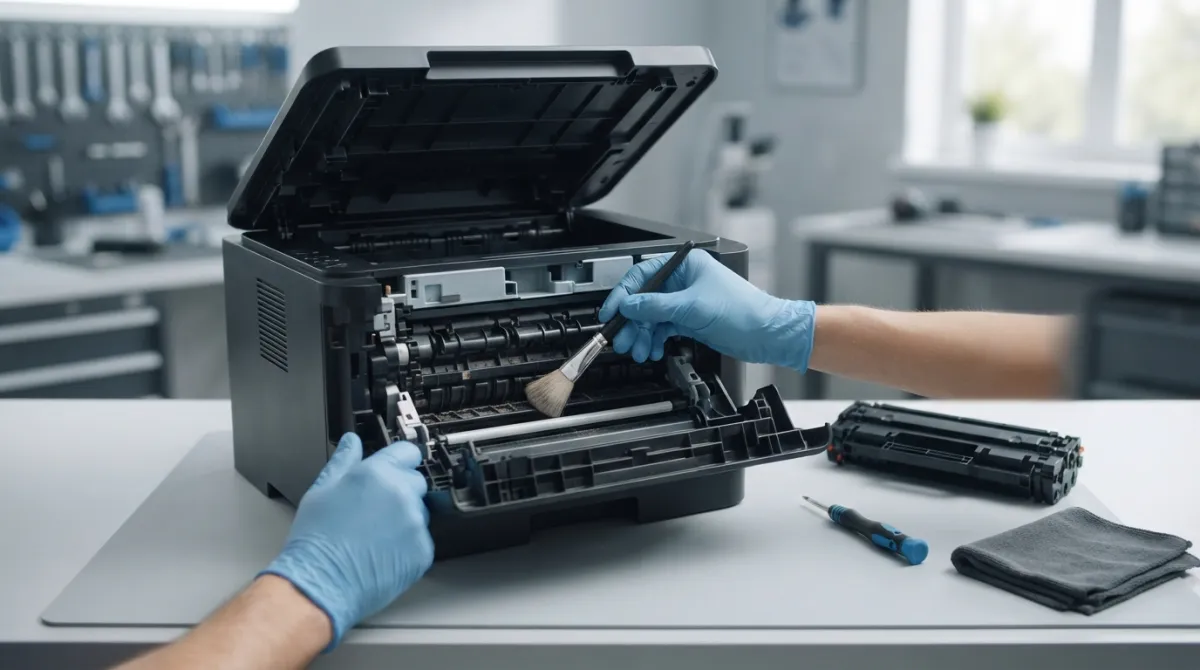
What we fix
- Toner light on after refill (chip problem)
- Cartridge error / cartridge not detected
- Paper jam and paper not picking up
- Light or faded prints
- Heating roller and laser errors
- Wi-Fi setup and driver install
- Drum problems on M7100 / P3010 series
Most Pantum printers that come to us have one of two stories. Either the toner was just refilled and the printer still says it's empty, or a light is on and nobody knows what it means. Both are easy to sort out once you know what the printer is trying to tell you, and together they make up most of our Pantum printer repair work.
Refilled the toner, but the orange light is still on?
This is the number one Pantum complaint we hear. You pay for a refill, put the cartridge back, and the printer still won't print.
The reason is simple. Every Pantum cartridge has a small chip on it. The chip counts how many pages you have printed. When the count is full, the printer believes the cartridge is empty, no matter how much new toner is inside.
So a refill alone is not enough. The chip has to be sorted out too, otherwise the orange light stays on. When you bring the printer, bring the cartridge with it, so we can check the chip and the toner together.
What the lights on your Pantum mean
Small Pantum printers like the P2500W have no screen, only two lights. This is what they are saying:
| What you see | What it means |
|---|---|
| Red light on, not blinking | Paper is stuck inside |
| Red light blinking fast | No paper, or the printer could not pull the paper in |
| Orange light blinking fast | Toner is low |
| Orange light on, not blinking | Cartridge problem: not fitted, wrong model, or its count is finished |
| Second (toner) light red, not blinking | Bigger fault inside, like the heating roller, the laser part, or a cover left open |
| Green light | All fine, ready to print |
If it's a paper jam, open the cover and pull the paper out slowly with both hands. If it tears and a piece stays inside, stop there. Pulling harder usually makes it worse.
Pantum models we see most
- P2500W and BP2310 series: small print-only printers, very common in homes and shops
- M6500NW and BM2310 series: print, copy and scan in one
- M7100DW and P3010 / P3300 series: office printers where the toner and the drum are two separate parts, so a light print can mean either one is finished
Not sure which model you have? Look at the label on the front or the back of the printer, or just send us a photo of it.
For Pantum printer service, call or WhatsApp +88 01310-280-374. Tell us which light is on and we'll tell you what is most likely wrong.
Pantum Printer Service — FAQ
Why does my Pantum printer still show the toner light after a refill?
My Pantum prints are light. Is it the toner or the drum?
My Pantum worked on Wi-Fi before, but now my phone can't find it. Why?
What does the red light on my Pantum mean?
Is my Pantum still under warranty?
Reviews
No reviews yet. Be the first to share your experience!
Need a repair or service today?
Call us or send your device details — our engineer will get back to you quickly.